Start anywhere.
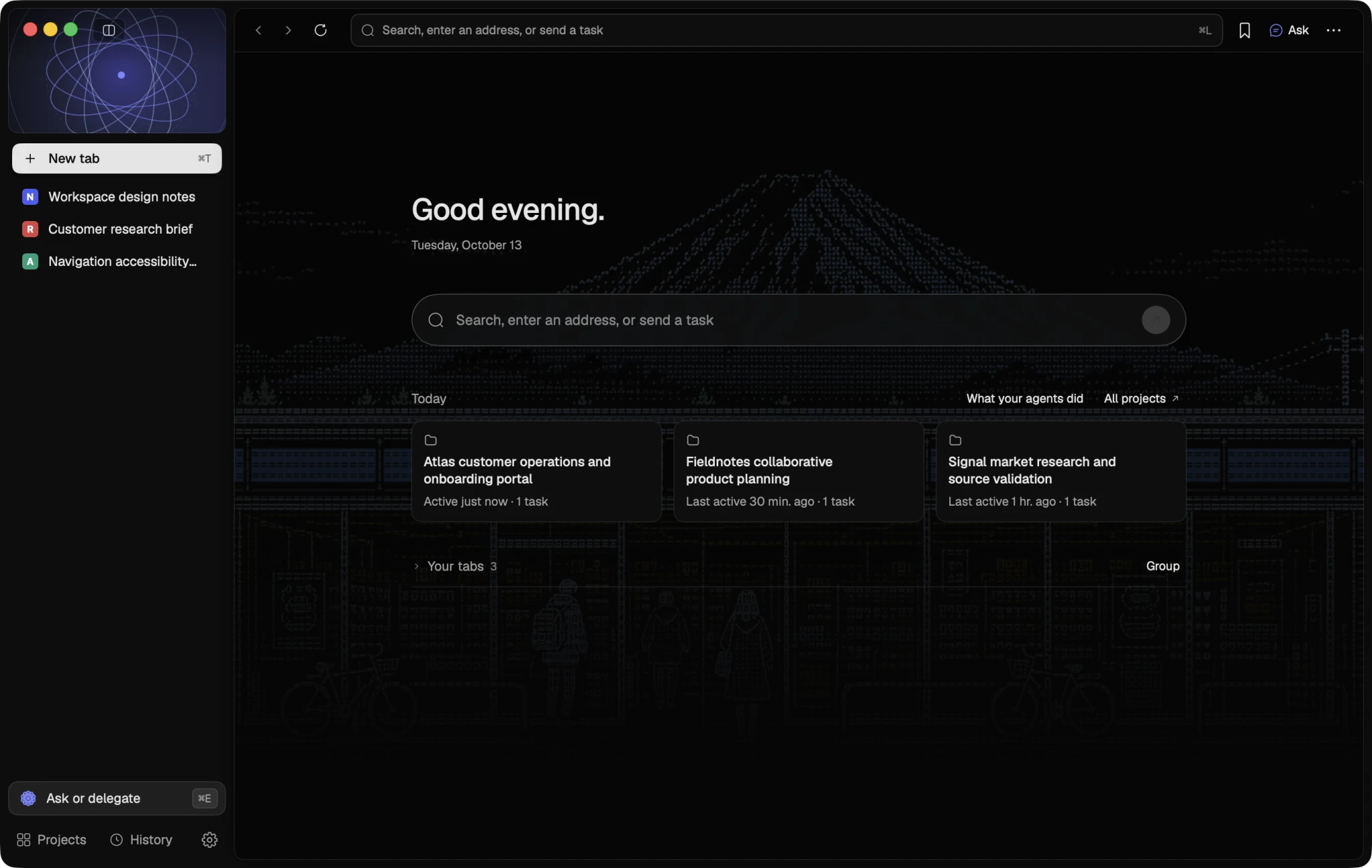
One omnibox opens addresses, searches and tasks. Today's projects and your tabs wait just below it.
Native macOS · Apple Silicon
Serein is a native Mac browser and workspace for the coding agents already on your Mac. They work in visible tabs you can watch and take over, with only the access you grant.
Works with Claude Code · Codex · Cursor Agent · OpenCode · Command Code · Grok · Hermes Agent · Pi
01 — The workspace
One omnibox opens addresses, searches and tasks. Today's projects and your tabs wait just below it.
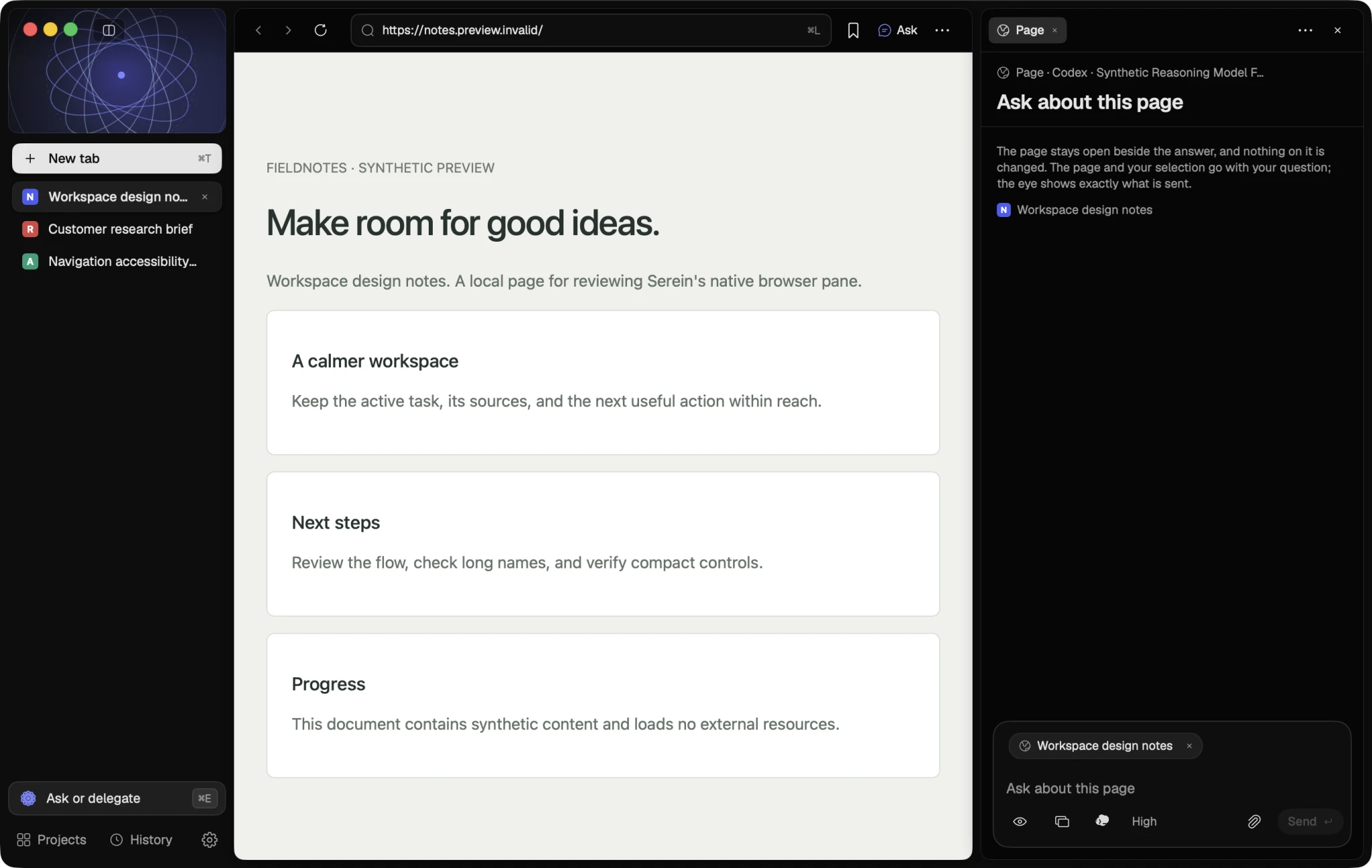
⌥⌘E opens the task panel beside the page with your selection attached. The page keeps its full width, and the eye shows exactly what is sent.
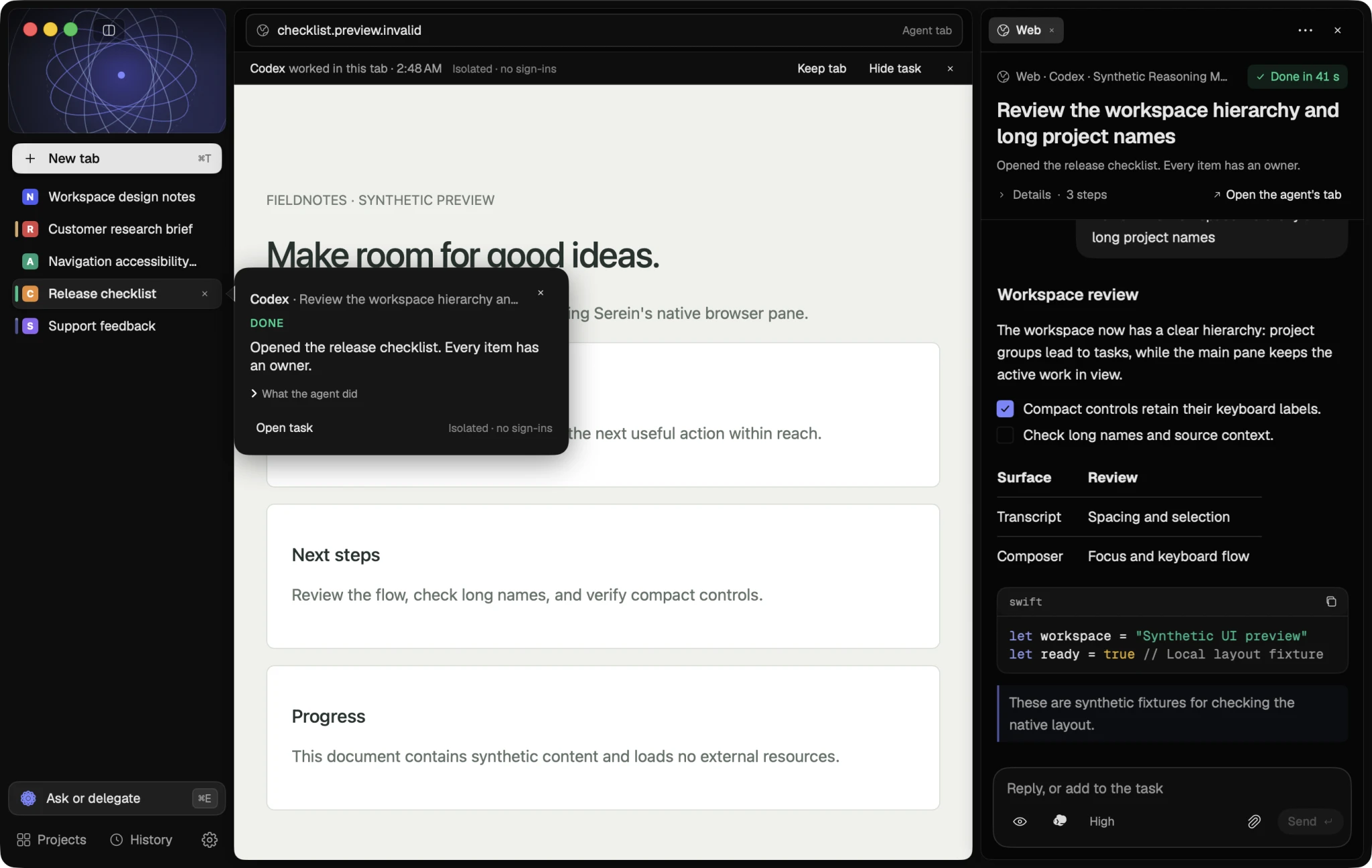
Web tasks run in visible agent tabs with an isolated cookie store. A pointer glides to each element before it acts. Take Over makes the tab yours.
02 — Agents
Serein finds the CLIs you already have (Claude Code, Codex, Cursor Agent, OpenCode, Command Code, Grok, Hermes Agent and Pi) and gives each one action: Install, Sign in, Update or Ready. It runs the tool's own command in a terminal inside Serein and uses that CLI's account. It never asks for your password.
03 — Grants
Every run starts with a fixed set of permissions: read pages, click and type, your sign-ins, project edits and Mac actions. Clicks, typing and edits begin off. Stop revokes that task's browser capability at once.
04 — Everything else
An omnibox that ranks Open, Search, Task, tabs, history and saved pages. Vertical or horizontal tabs, groups and compare.
⌘T · ⌘LAsk about the page with your selection attached, or point at up to three elements. You see exactly what will be sent.
⌥⌘E · ⇧⌘EEach turn's file changes are snapshotted in a private Git ref. Read the diff, then Undo this turn or Redo.
Allow once · Always · DenyYour day as stretches on a time rail. Find a visit by describing it, with an on-device semantic index.
On-deviceStored in this Mac's Keychain, filled only on the exact origin, never submitted for you.
KeychainHold fn to dictate into a page, the omnibox or the composer with on-device Apple Speech.
fnDownload
Serein runs on Macs with Apple Silicon and macOS 14 or later. You can still download it here and open it on your Mac.
xattr -dr com.apple.quarantine /Applications/Serein.app in Terminal.